

Migrate Existing Website
Hassle-Free WordPress Migration with Ojmi
Moving a WordPress website to a new hosting provider can often feel stressful and complicated. Concerns about downtime, broken websites, lost data, or difficult technical steps prevent many website owners from upgrading to better hosting.
Ojmi makes WordPress migration simple and flexible.
Our hosting platform includes multiple migration methods designed to work with different types of WordPress websites and technical situations. Whether your website is small, large, simple, or highly customized, you have several options available.
Multiple Migration Methods
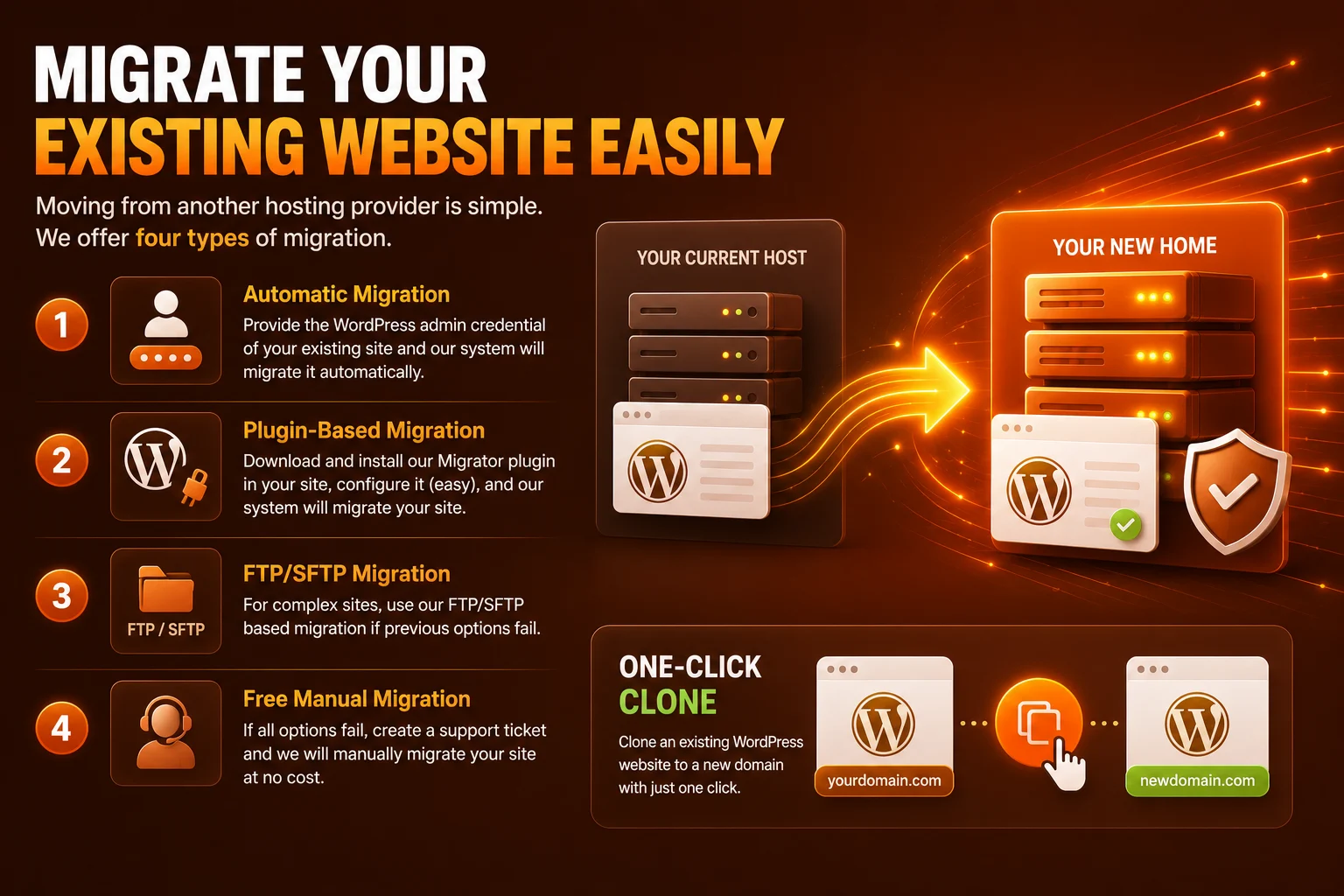
We offer four different methods of WordPress site migration.
(1) Automatic Migration Using WordPress Admin Access
Simply provide the WordPress admin credentials of your existing website, and our system will attempt to migrate the site automatically.
(2) Easy Plugin-Based Migration
You may also install the Ojmi Migrator plugin on your current WordPress website and complete a simple configuration process. The system will then automatically transfer your website to Ojmi hosting.
(3) FTP/SFTP Migration for Complex Websites
For websites with unusual configurations or complex hosting environments, Ojmi also supports FTP/SFTP-based migration methods when standard migration approaches are not suitable.
(4) Free Manual Migration Assistance
If automatic migration methods do not work, you can create a support ticket and our team will manually migrate your website at no additional cost.
One-Click Website Cloning
Ojmi also allows you to clone an existing WordPress website to a new domain with just one click, making development, testing, and staging workflows much easier.
With Ojmi, migrating your WordPress website is designed to be smooth, flexible, and stress-free.
